Verifying the Configuration (User/Group Lookup)
After adding or changing a name service, verify that users and groups resolve correctly before relying on the configuration for file access. A lookup goes through SSSD on the Anvil, the same path NFS uses, so it also confirms that an LDAPS or StartTLS certificate is trusted.
You can look up a name in two forms:
-
Unqualified, for example
jsmith. Hammerspace looks the name up in every configured domain and reports a result for each one. -
Qualified, for example
jsmith@corp.example.com. Hammerspace looks the name up only in that domain. If no name service is configured for the domain, the lookup fails withDomain '<domain>' specified by user name '<name>' could not be found.
A lookup reports what each domain returns; it does not apply the resolution order. When NFS maps an unqualified name that exists in more than one domain, the domain that comes first in the resolution order is used.
In Hammerspace 5.3, if the cluster is joined to Active Directory with an ID-mapping schema instead of using LDAP name services, the lookup queries Active Directory.
Using the GUI
-
Go to . The User/Group Lookup section is below the table.
-
In User/Group name, enter a user or group name, unqualified (
jsmith) or qualified (jsmith@corp.example.com), and click Lookup.The GUI looks the name up both as a user and as a group.
-
Review the results. Each domain that was searched is shown under a Domain: heading:
-
If the name was found, the result shows Name (the name as it was looked up in that domain, for example
jsmith@corp.example.com), UID, GID, and Groups. In Groups, the user’s primary group can appear as its GID number or by name, and can be listed twice. A dash means the value is empty; a group has a dash for UID.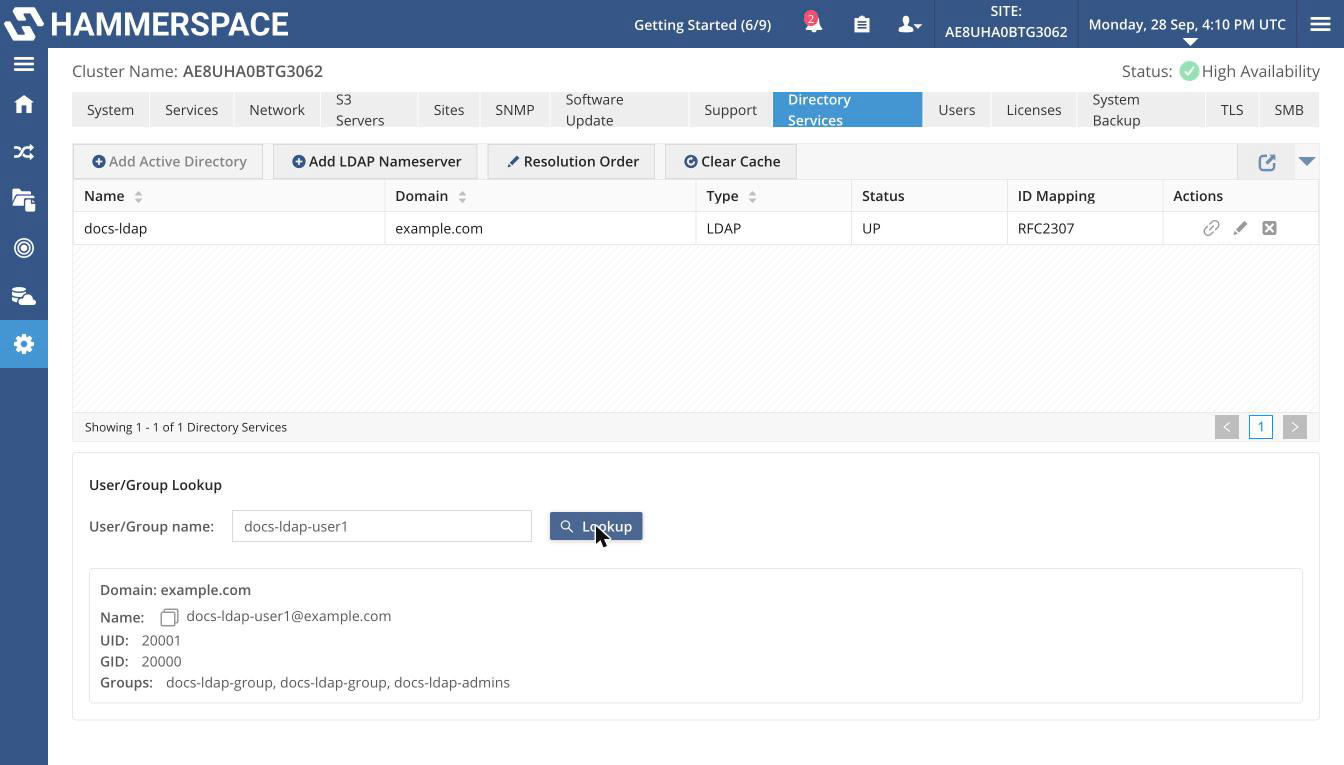 Figure 1. A user found in an LDAP name service
 -
If the name was not found in that domain, the result shows
User/Group '<name>' not found.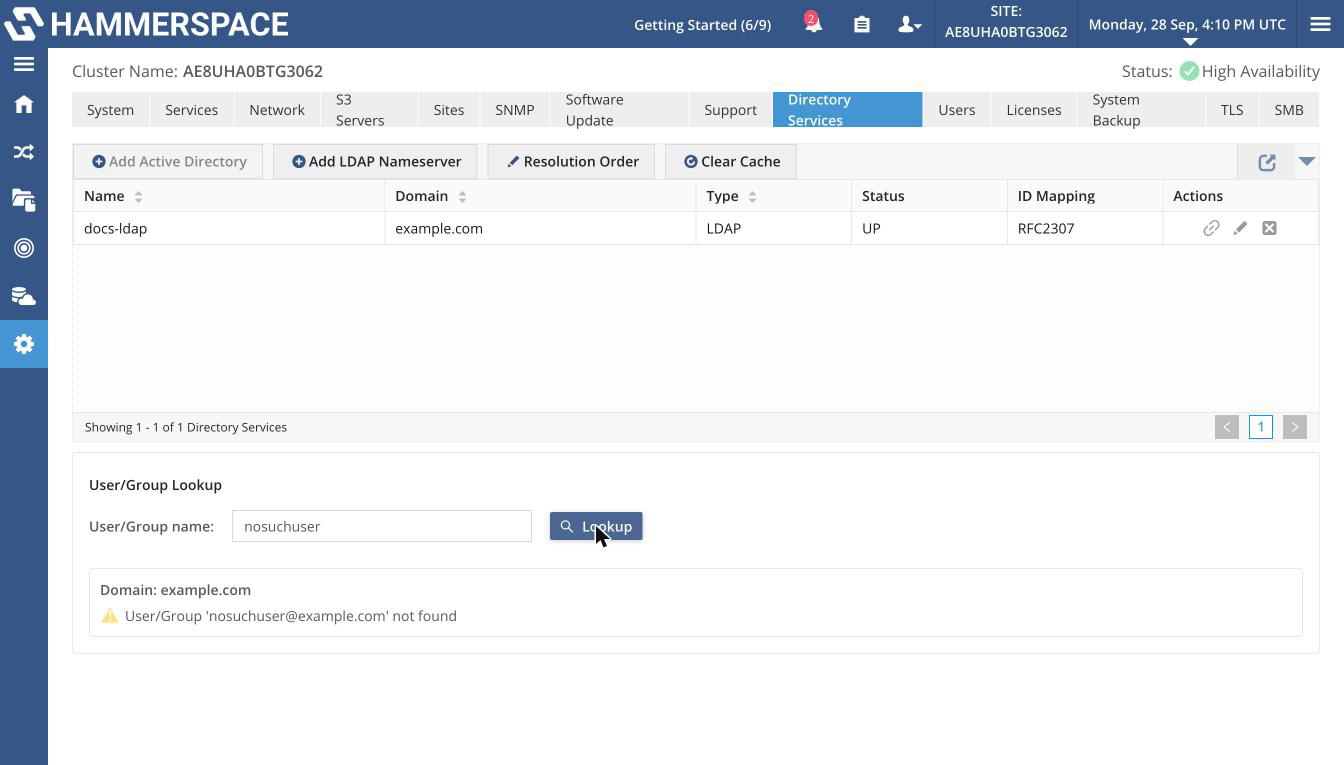 Figure 2. A name that was not found
 -
If no name service is configured, the lookup fails with
No Name Services are configured, cannot attempt to resolve user '<name>'.
-
Using the Admin CLI
Look up a user in every configured domain (unqualified):
name-service-config --resolve-user <username>Look up a user in one domain (qualified):
name-service-config --resolve-user <username>@<domain>Look up a group:
name-service-config --resolve-group <groupname>List the groups a user belongs to:
name-service-config --resolve-user-groups <username>For each domain searched, the output shows that name service’s details followed by a Domain search result line. For a user who is found, that line reads like the following example.
Expected output:
Domain search result: User 'jsmith@corp.example.com' resolved successfully: name=jsmith, uidNumber=10001, gidNumber=10001, gecos=John SmithThe result also lists memberof= when the directory returns group memberships for the user; --resolve-user-groups lists the user’s groups by name as groups=. A name that does not exist in a domain is reported as User '<name>@<domain>' not found (or Group …) for that domain.